


Your AI Agent Needs a Menu, Not a Mystery
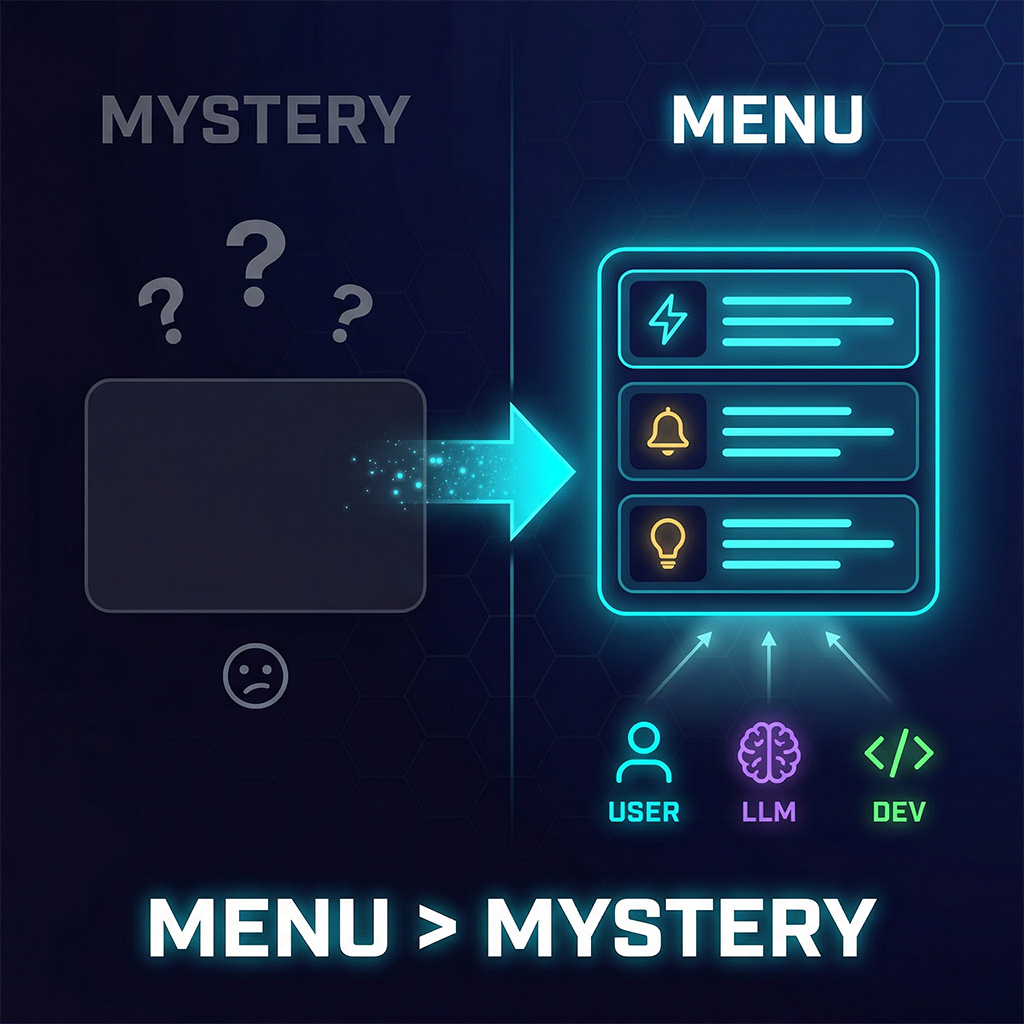
Every AI agent in 2026 ships with the same onboarding: a blank text box. No indication of what it can do. No signal when it learns something new. Users type “hi,” get a generic response, and never come back. We solved this for BrightHire’s Slack Hiring Agent with a capabilities registry — a single module that tells the user what the agent can do, tells the LLM what it can do, and forces the developer to describe every new feature. One source of truth, three audiences, zero drift.

The Blank Input Box Problem
Open any AI agent or chatbot shipped in the last year. What do you see? A text field. A blinking cursor. Maybe a placeholder that says “Ask me anything.”
That’s the entire onboarding.
Forty years of UX progress gave us menus, tooltips, progressive disclosure, and contextual help. Then we shipped a thousand AI agents and regressed to a command line with no man page. Users don’t explore. They don’t experiment. They guess once, fail, and leave.
This isn’t a minor UX issue. It’s the primary reason agents don’t get adopted. Your team spent weeks building powerful capabilities — search, analysis, proactive notifications, workflow automation. Then you hid all of it behind an empty rectangle and hoped users would discover it by accident.
They won’t.
The Capabilities Registry
The fix isn’t a help doc. It’s not a pinned message. It’s architecture.
A capabilities registry is a single module that acts as the source of truth for everything your agent can do. It collects capability data from wherever it’s defined — tools, event handlers, curated workflows — normalizes it into a shared structure, and renders it for every audience that needs it.
For BrightHire’s Hiring Agent, that means one file — capabilities.ts — consumed by three very different readers:
- The user gets a rich Slack message with organized sections, icons, and bullet points. A menu they can scan in five seconds.
- The LLM gets a plain-text block injected into its system prompt. When a user asks “what can you do?”, the model answers from its own context — accurately — instead of hallucinating.
- The developer has one file to update. Add a capability, describe it, ship it. The description propagates everywhere automatically.
Same data. Three formats. Zero drift.
Where the Data Comes From
The registry pulls from three sources, each changing at a different pace:
Dynamic tools come from a remote MCP server. The agent fetches its tool list at runtime — search, AI notes, job descriptions, charts. But MCP tool descriptions are written for LLMs: verbose, full of parameter names and batch sizes. Terrible for a user menu. So the registry uses a small LLM to rewrite each description into a single terse line:
"Search for interviews by candidate name, role title, interviewer name, date range (min_date_unix/max_date_unix), keywords, with pagination (limit, offset)"
becomes:
"Search interviews by candidate, role, interviewer, date, or keywords"
The result is cached. If the tool list hasn’t changed, no LLM call is made.
Notifications are co-located with the code that implements them. Each webhook handler exports a capabilityDescription string right next to its logic. The TypeScript compiler enforces completeness — the NOTIFICATION_DESCRIPTIONS record is typed against the event enum. You literally cannot ship a new notification without describing it to users. The type system is the product manager.
Use cases are hand-curated at a higher level of abstraction. Tools tell you what data is available. Use cases tell you what workflows the agent supports: interview prep, candidate comparison, debrief summaries. These change rarely, but they’re what makes a user think “oh, I should try that.”
Staying Fresh Without Deploys
The registry refreshes itself at four natural moments:
- Server startup — pre-warms from any stored token
- OAuth connection — the welcome DM includes current capabilities
- The
capabilitiescommand — works before authentication, so users see what the agent does before logging in - Every agent run — the MCP connection refreshes the cache as a side effect
That last one matters most. As long as anyone is using the agent, the cache stays warm. If the MCP server adds a new tool on Tuesday, the next conversation picks it up. No redeploy. No manual update. No chance of the menu drifting from reality.
Why This Matters More Than You Think
When your agent can explain itself, three things change:
Adoption climbs. Users who see a menu of capabilities try more features than users who see a blank box. The capabilities command is the most-used interaction in BrightHire’s agent — more than any actual tool. People want to know what’s available. Give them that.
Trust builds. When the user-facing menu and the LLM’s self-knowledge come from the same source, the agent never overpromises. It never claims it can do something it can’t. Consistency is trust.
Features actually land. A capability nobody knows about is a capability that doesn’t exist. The registry makes every new feature immediately visible to every audience. No launch blog post required. No Slack announcement that gets buried. The agent just… updates its own menu.
Your agent needs a menu, not a mystery. One registry. Three audiences. Every capability described, discoverable, and accurate — automatically.
Stop shipping blank input boxes.